DayFlowSTUDIO
NEWDayFlow Scheduler is available now

Calendars and schedulers that grow with you.

An open-source calendar core, advanced planning modules and a production scheduler, all sharing one interaction model across React, Vue, Angular and Svelte. Start free, then add capability when the requirements actually arrive.

The suite03 products
Pick one to previewOpen Calendar
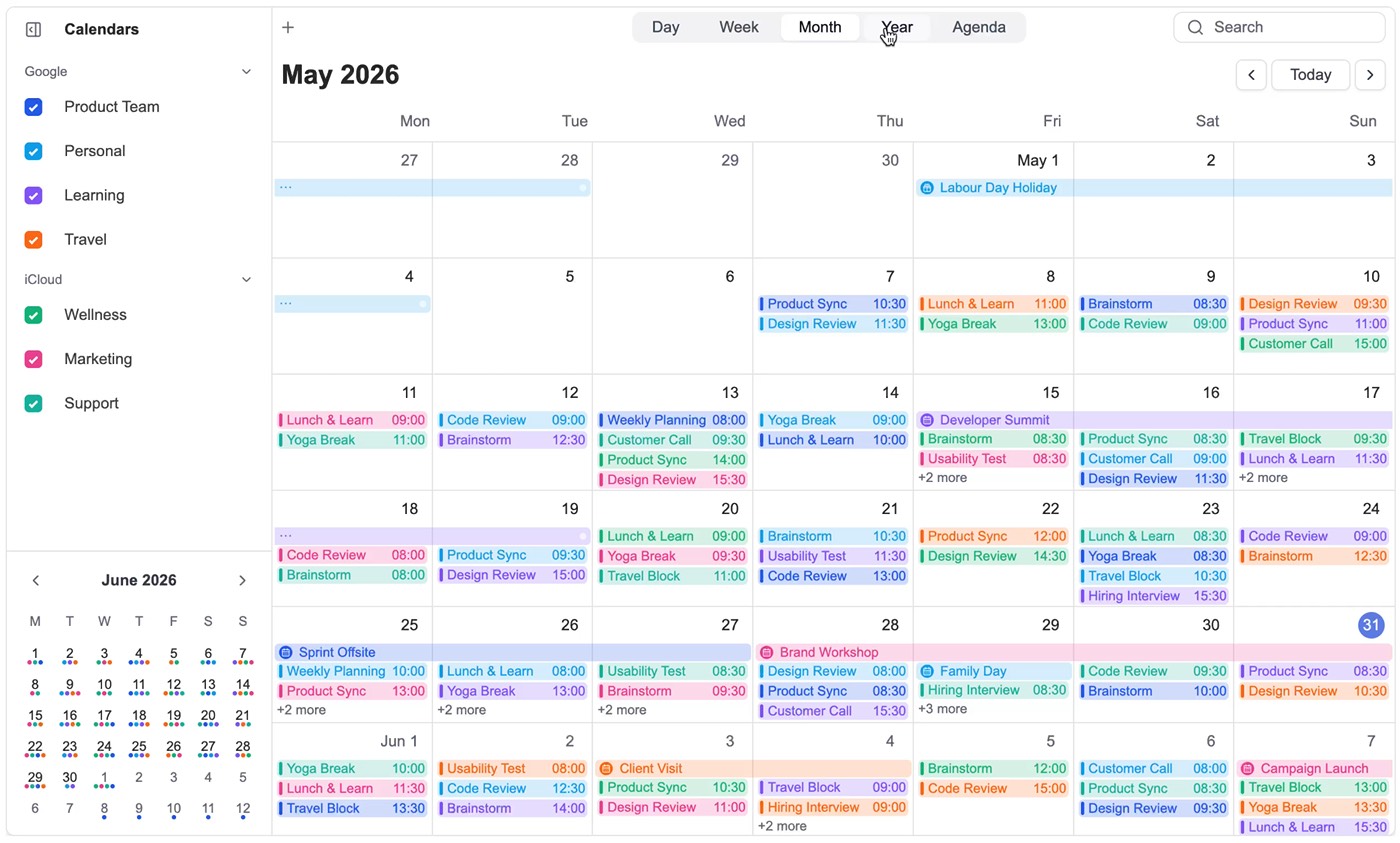
Switching between day, week, month and year views in DayFlow Calendar
Open source core

Calendar UI for every framework

Open live demo01 / 03
Works with your stackReactVueAngularSvelteTypeScript
The DayFlow suite

Three products.
One way of working with time.

Each one solves a different stage of the same problem, and they share a design language, an interaction model and a data shape, so moving up never means starting over.

DayFlow CalendarOpen source core

Every calendar view, one behaviour model.

Day, week, month, year and agenda views that share the same interactions, colours and keyboard model. Drop it in, connect your events, and keep full control of the data layer.

  • Day, week, month, year and agenda views
  • Drag to create, resize and inline edit
  • Search inside the calendar, not beside it
  • Theme tokens and render hooks for every surface
  • Localisation and timezone handling built in
Explore CalendarDocsFreeopen source
Switching between day, week, month and year views in DayFlow Calendar
DayFlow ProAdvanced modules

Complex scheduling, made beautifully clear.

Resource timelines, operational grids, self-service booking and print-ready output, layered onto the same open-source core. Nothing has to be rebuilt when the product gets serious.

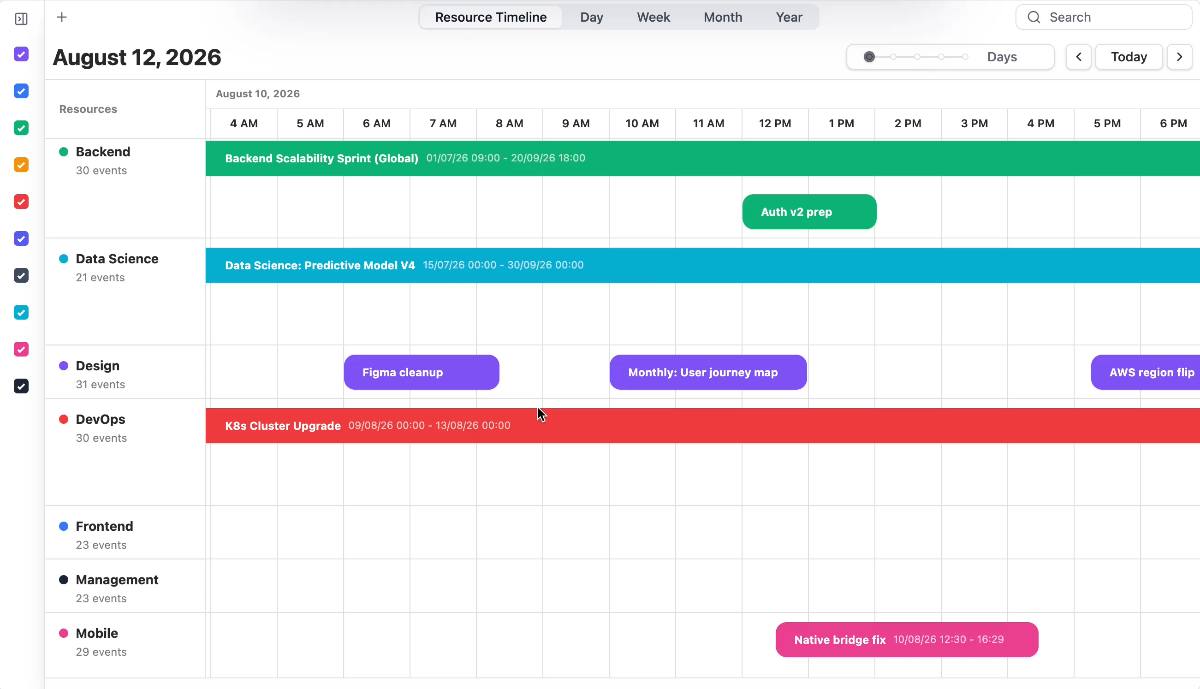
  • Resource Timeline for people, rooms and crews
  • Resource Grid for availability and assignment
  • Appointment Schedule with buffers and capacity
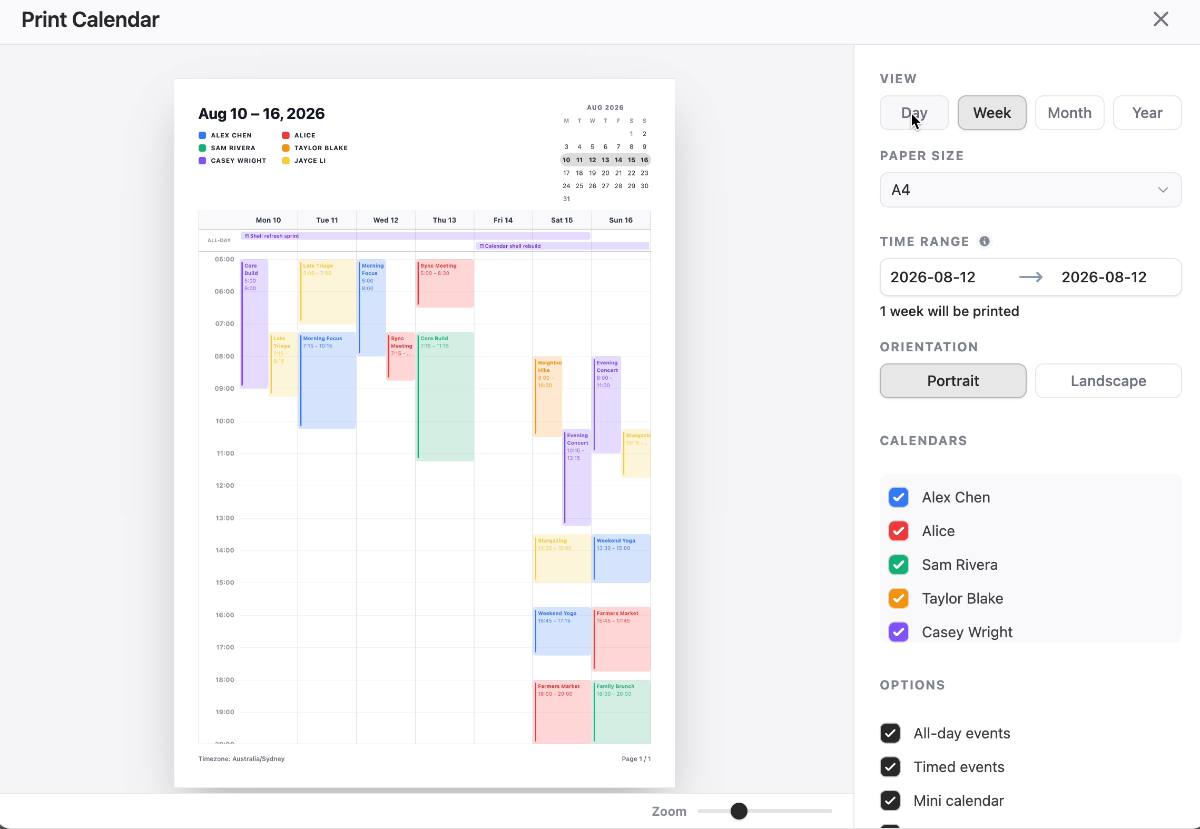
  • Print Calendar for reports and handoff
  • Private npm packages, source access on Lifetime
Explore ProDocsFrom $89per developer / year
Dragging and resizing work on the DayFlow Pro resource timeline
DayFlow SchedulerPlanning component

Every schedule stays clear, start to finish.

A dedicated planning surface for teams that coordinate people, crews and equipment. Change the horizon from a single day to a full year without changing the workflow underneath.

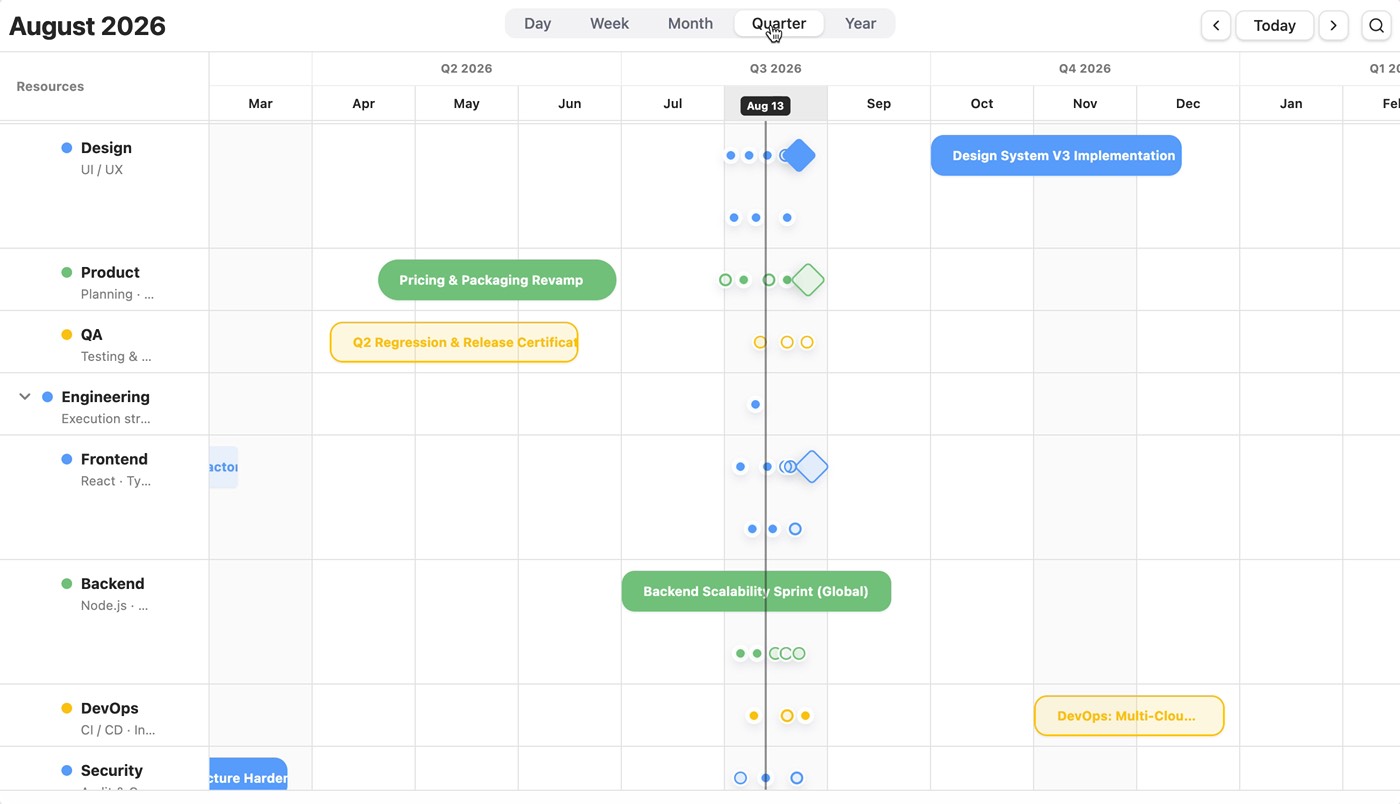
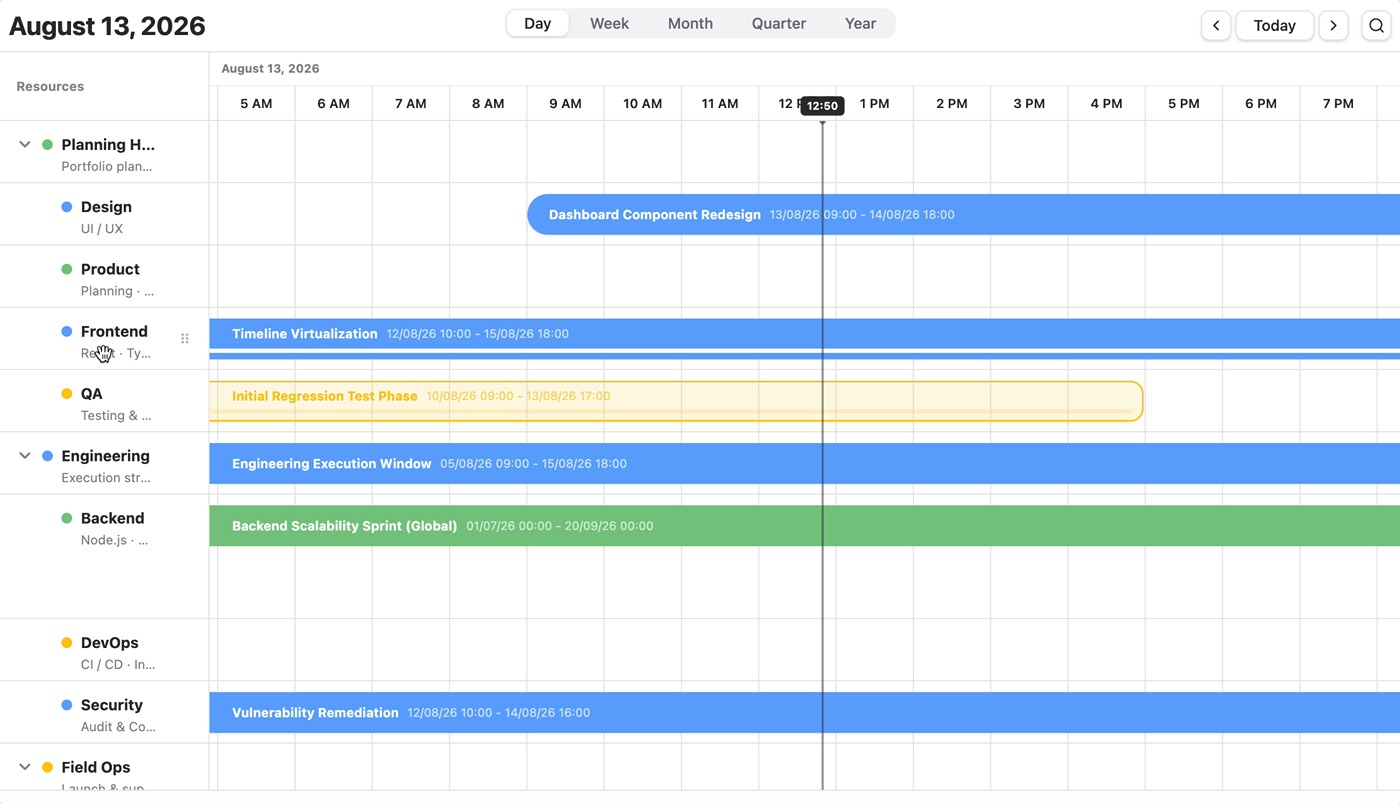
  • Day, week, month, quarter and year horizons
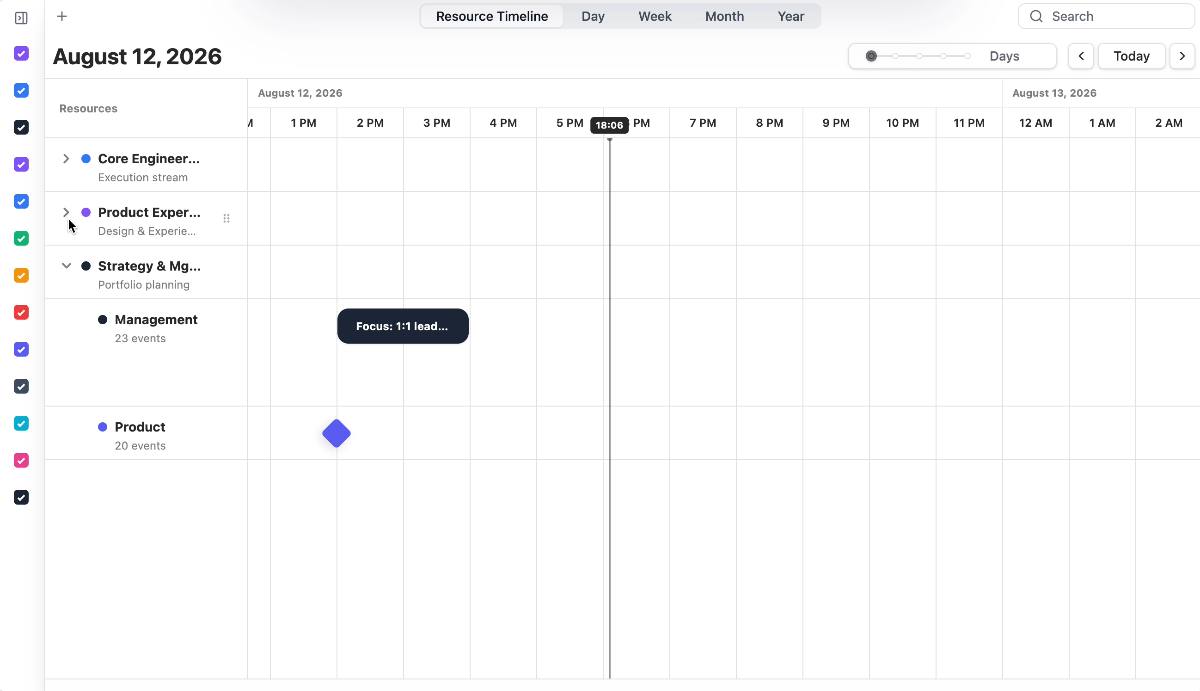
  • Grouped, collapsible and reorderable rows
  • Drag, resize and keyboard-first editing
  • Search across dense, long-running plans
  • Source code access on every plan
Explore SchedulerDocsFrom $199per developer / year
Switching planning horizons in the DayFlow Scheduler
Calendar or Pro

Where the open core stops,
and Pro takes over.

Pro is built on the calendar core, so the two line up feature by feature. Scheduler is a different surface altogether: a standalone planning component rather than a bigger calendar.

CapabilityCalendarPro
Best forApps that need a real calendarCalendars that grew into operations
LicenceOpen sourceCommercial
Calendar viewsDay → year, agendaInherits the full core
Event editing & searchIncludedIncluded
Resource timelineNot includedIncluded
Resource gridNot includedIncluded
Appointment bookingNot includedIncluded
Print-ready outputNot includedIncluded
FrameworksReact, Vue, Angular, SvelteReact, Vue, Angular, Svelte
Source code accessPublic repositoryLifetime plan
Starting priceFree$89 / year
What ships in the box

The interactions people expect,
already handled.

Direct manipulation, resource planning, search and printable output. These are the parts that take a quarter to build well and a year to make feel right.

Resource timeline

Every person, room and machine on one axis

Group resources, scan for gaps and conflicts, then drag or resize the work directly on the timeline as the plan changes.

Grouping and reordering resources on the DayFlow resource timeline
Planning horizons

Zoom from a single day to a full year

Group and reorder resource rows, then change the horizon without changing how anyone works with the plan.

Grouping and reordering resource rows in the DayFlow Scheduler
In-calendar search

Find the event without losing the schedule

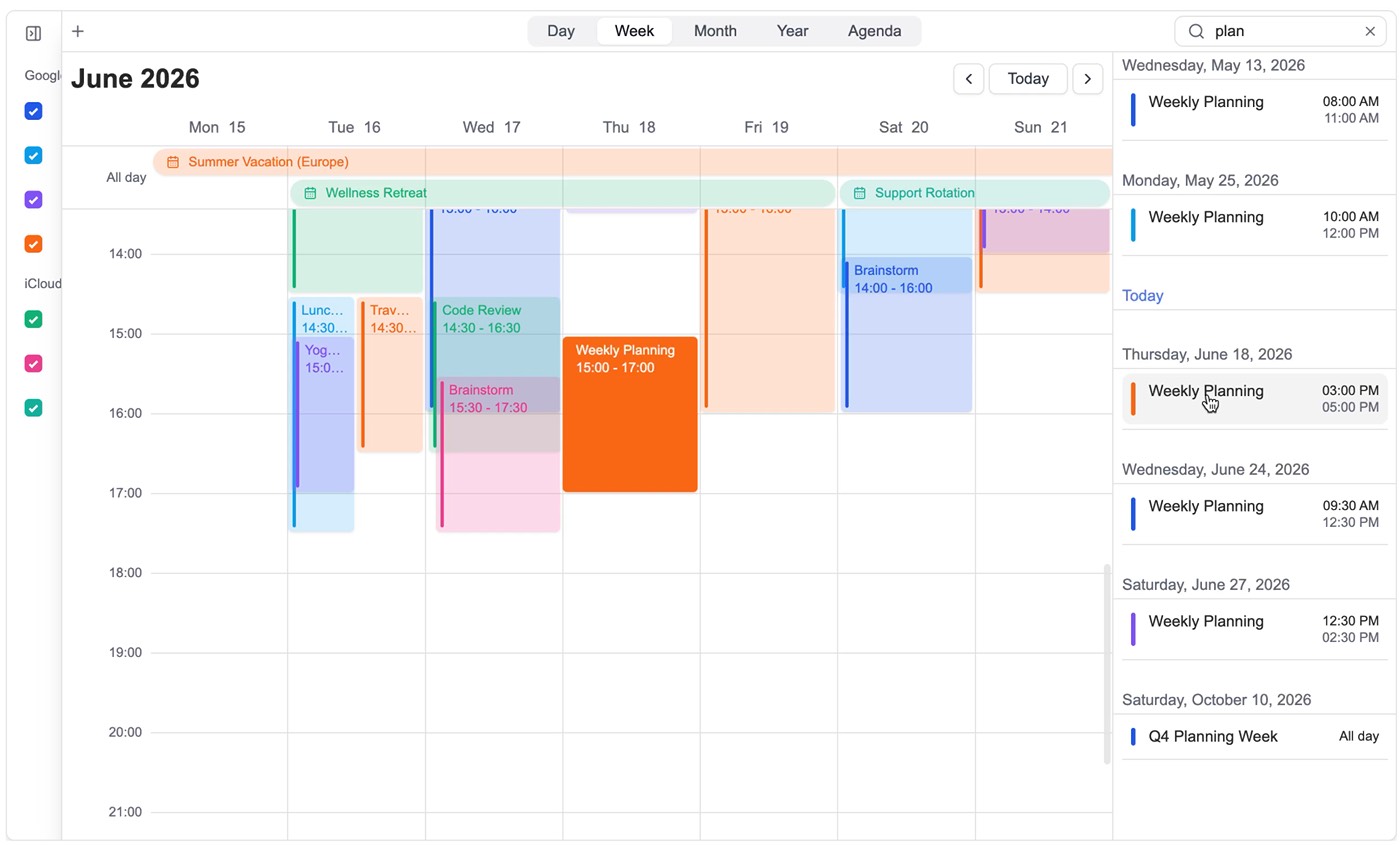
Search lives inside the calendar, so the surrounding week stays visible while users narrow down a dense day.

Searching and focusing an event inside the DayFlow calendar
Direct manipulation

Create and adjust straight on the grid

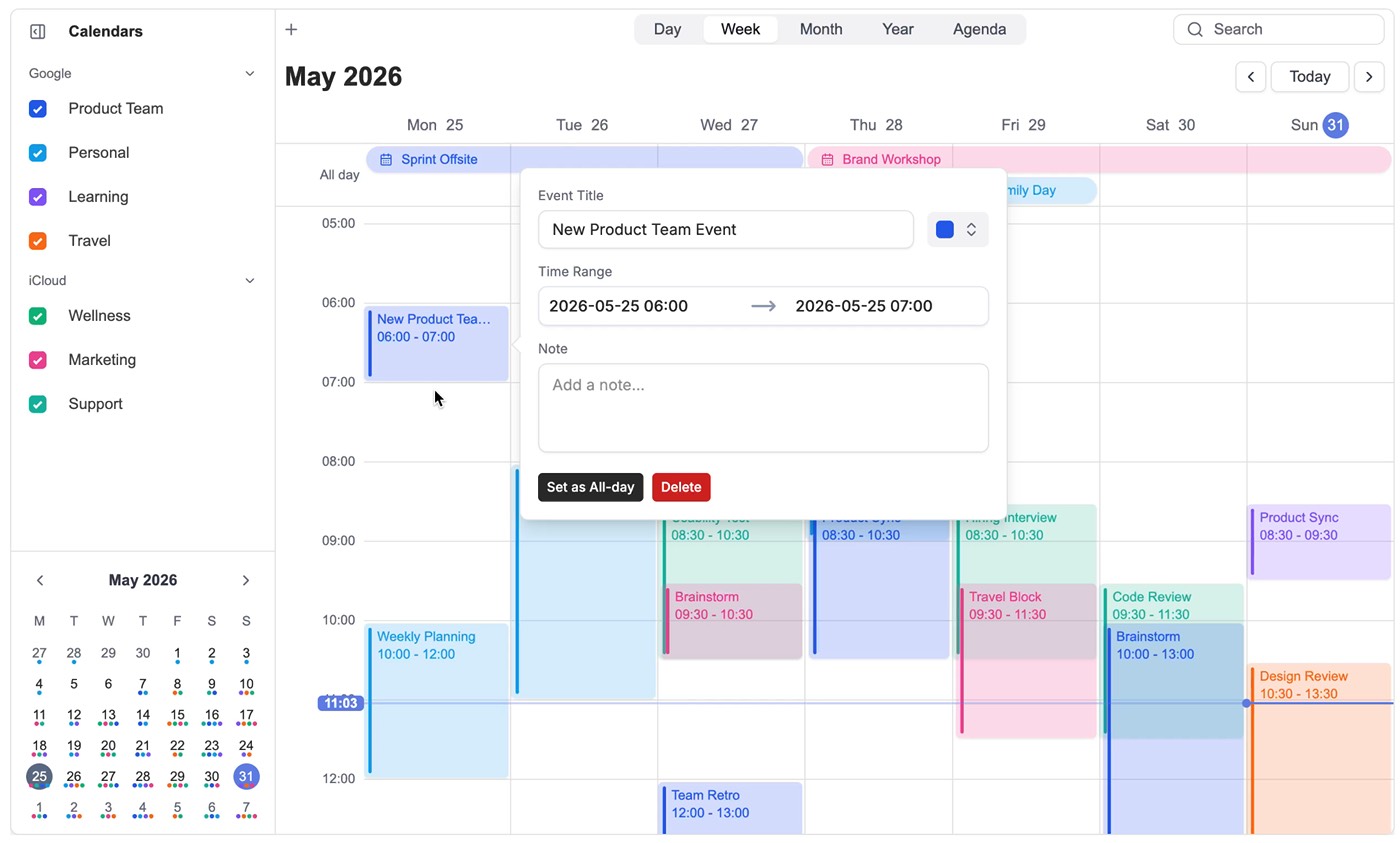
Drag out a block, resize it, edit the details inline. The component owns the mechanics, your app owns the rules.

Creating an event by dragging on the DayFlow calendar grid
Resource grid

Compare availability, then assign

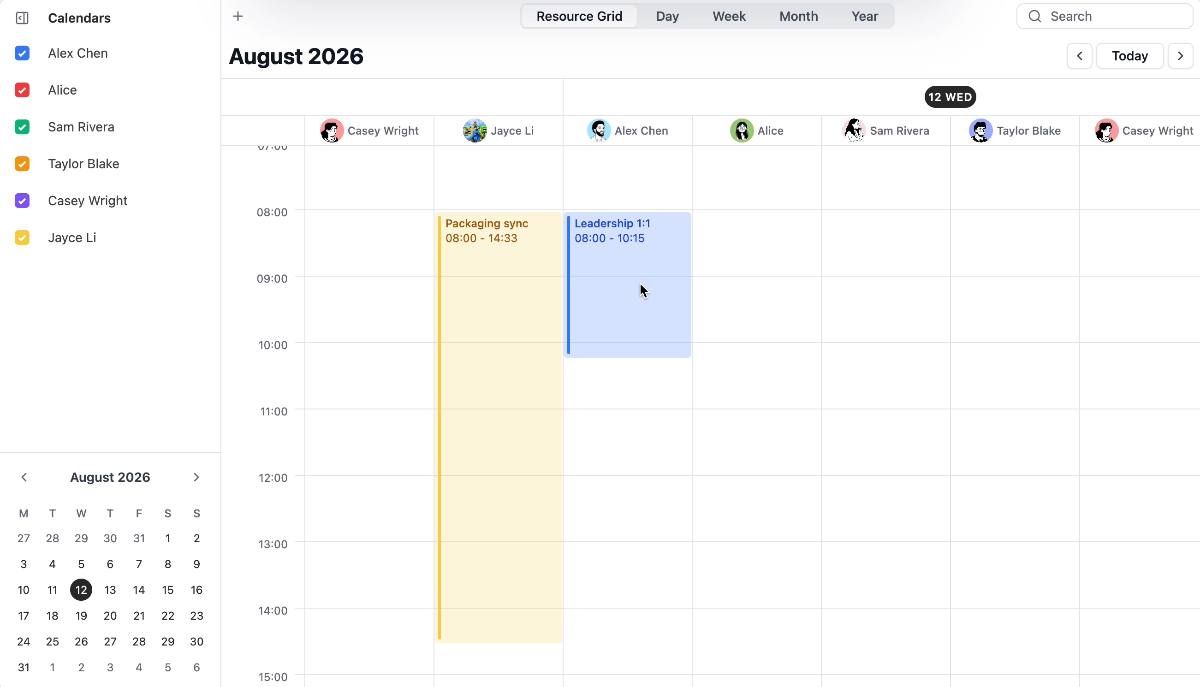
A dense grid for products that need to see every resource side by side before committing to a slot.

Assigning work across resources in the DayFlow resource grid
Appointment schedule

Availability that turns into bookings

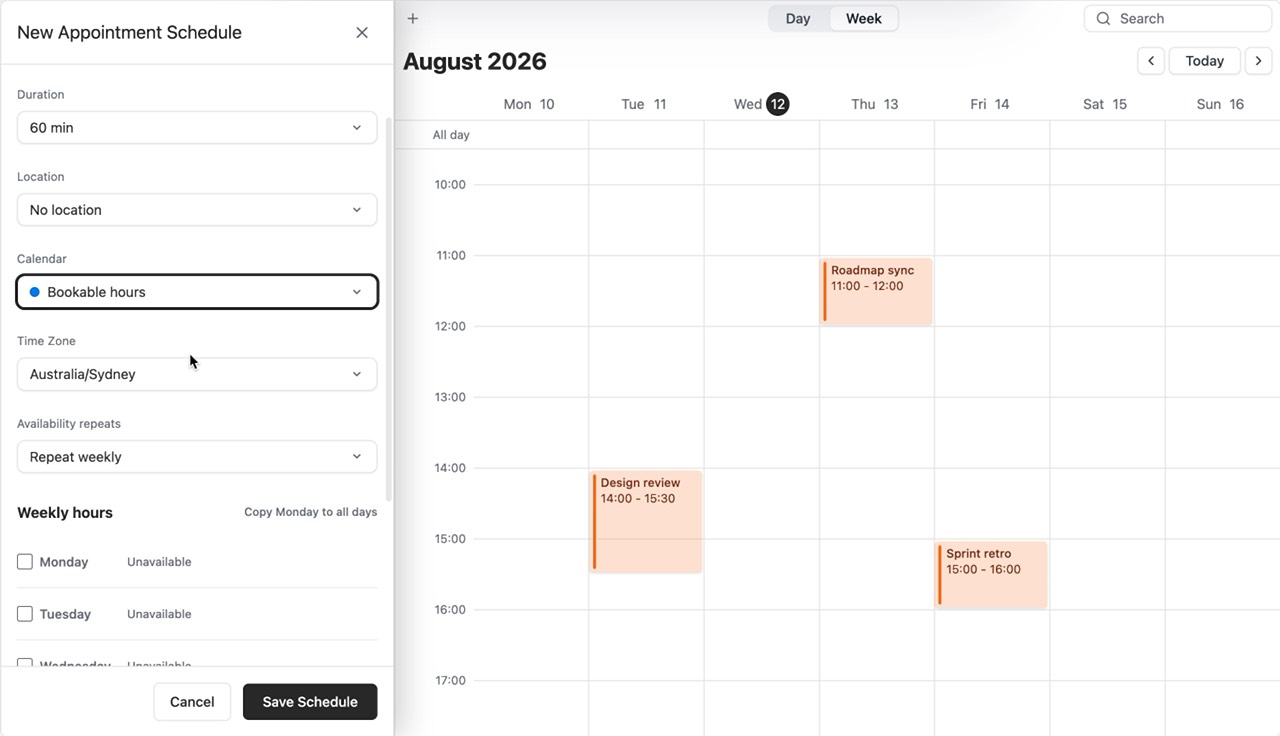
Connect visual availability setup to a self-service flow, with slots, buffers and capacity staying aligned.

Setting up bookable hours and intervals in the DayFlow appointment schedule
Print calendar

Output people can actually hand over

Turn any range into a clean, paginated layout for reports, customer handoff or the wall in the ops room.

Switching a printable calendar between week, month and year layouts
Built for developers

From install to a real calendar in an afternoon.

Typed adapters, sensible defaults and render hooks everywhere you need to take over. Your app keeps the data model and the business rules.

  1. 01Scaffold with one commandnpm create dayflow@latest wires up the adapter for React, Vue, Angular, Svelte or plain TypeScript.
  2. 02Point it at your eventsBring your own API, store and sync strategy. DayFlow never owns your data.
  3. 03Make it look like your productTheme tokens, slot-level render hooks and full control of every event surface.
Read the documentation
$npm create dayflow@latest
import { DayFlowCalendar } from '@dayflow/react'; export function TeamCalendar({ events }) {  return (    <DayFlowCalendar      events={events}      defaultView="week"      onEventChange={save}      editable    />  );}
Ready to renderFully typed · SSR safe
Open at the core

Start free.
Scale without switching.

The calendar foundation stays open source. A commercial licence only comes into play when you need the advanced planning surfaces, and a lifetime option is available on both.

Open source core

DayFlow Calendar

Freeopen source

Open source and safe to ship in production without a licence of any kind.

  • Day, week, month, year and agenda views
  • Drag to create, resize and inline edit
  • Search inside the calendar, not beside it
Get started free
Advanced modules

DayFlow Pro

From $89per developer / year

Annual per developer, per-seat for teams, or $299 once for a lifetime licence.

  • Resource Timeline for people, rooms and crews
  • Resource Grid for availability and assignment
  • Appointment Schedule with buffers and capacity
See plans
Planning component

DayFlow Scheduler

From $199per developer / year

Annual per developer, per-seat for teams, or a one-time lifetime licence. Every plan includes source access.

  • Day, week, month, quarter and year horizons
  • Grouped, collapsible and reorderable rows
  • Drag, resize and keyboard-first editing
See plans
Questions

Before you commit.

Still unsure which one fits? Talk to us

Start with Calendar. It covers the views, editing and search most products need, and it is free. Add Pro when you need resource planning, booking or print, and reach for Scheduler when planning is the product rather than a feature inside it.

Yes. The calendar core is open source and can go to production without a licence. Only the Pro modules and the Scheduler component require a commercial licence.

Pro is built on top of the open-source core, so everything you learn there carries over. Scheduler is a standalone planning component that shares the same design language and interaction model.

Calendar and Pro ship typed adapters for React, Vue, Angular and Svelte, plus a framework-free build. Scheduler currently targets React.

Scheduler ships source access on every plan. Pro includes it with the Lifetime licence, while the annual plans deliver the modules as private npm packages. The calendar core is public either way.

Yes. Custom features, tailored UI and integration support are all available. Write to [email protected] with what you are building.

Ready when you are

Give people a better way
to work with time.

Pick a starting point and ship a scheduling experience your users will not have to fight.